
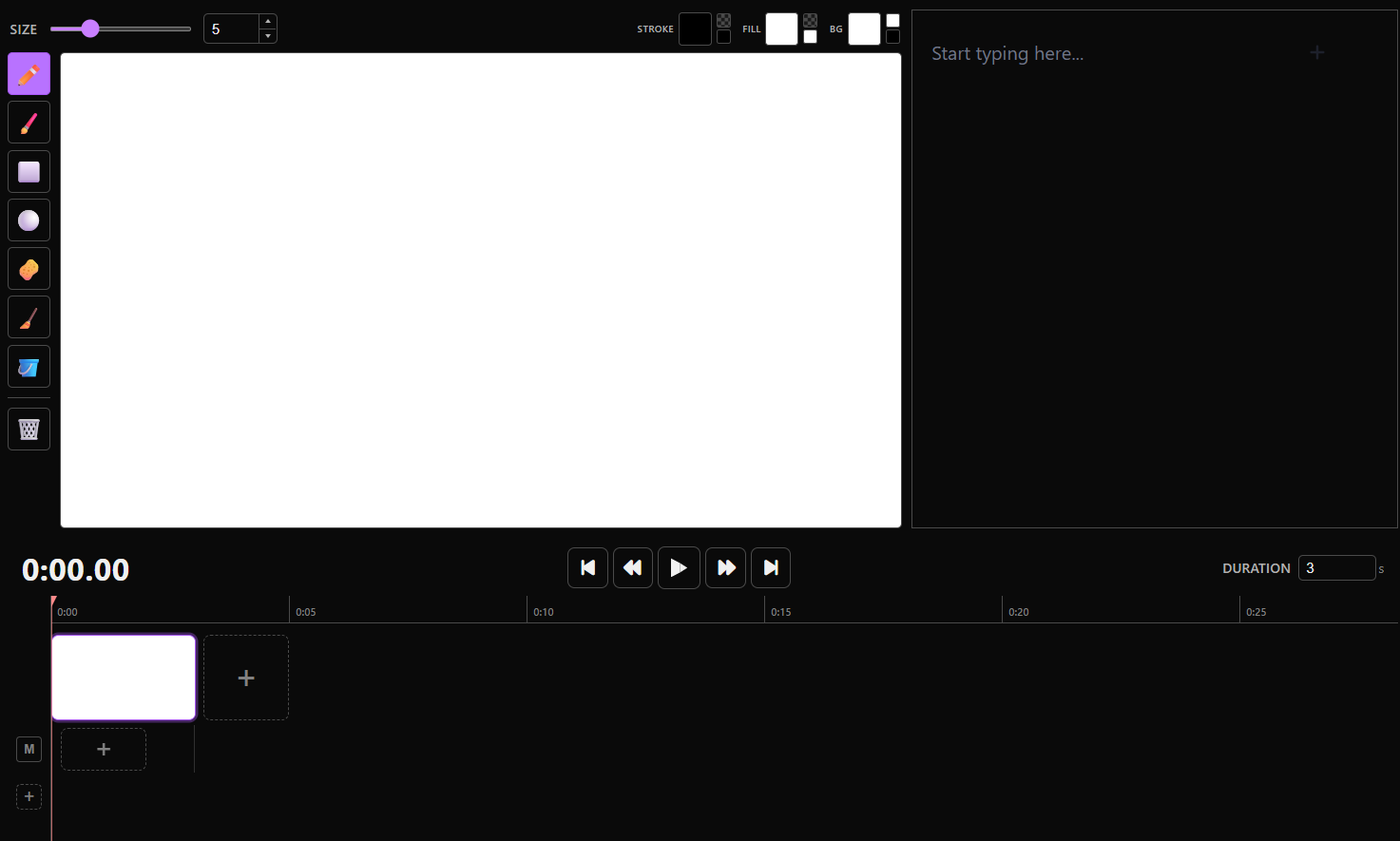
QuickBoard is an app that makes the storyboarding process simple and intuitive. No subscription. No AI. No insanely difficult learning curve. Completely offline. Just you and the boards.
Visualizing
QuickBoard makes use of the LiterallyCanvas library to give the user an easy-to-use canvas for their storyboarding workflow. QuickBoard's tools were chosen or created from scratch for storyboarding utility: brushes, shapes, pixel-based & object-based selectors & erasers, image import, and more. The canvas can also fill the window for maximum drawing space.
Scripting
To the right of the canvas is the script box, where users can keep track of each board's dialogue and any other pertinent text information. New setting? Stage directions? Those all go here.
Key Frames
QuickBoard features an intuitive non-linear timeline built from the ground up. Drag-and-drop boards around, grab the edges to change their length, and onion skin while drawing. Add SFX, music, and more on the fly with up to 4 consecutive audio tracks.
Ease of Access
QuicBoard is open-source and saves projects locally, which means your projects will always be yours. Just download the latest release and get to storyboarding your way.
If you enjoyed using QuickBoard, or have suggestions for additions in future releases, please fill out our short survey. All input is greatly appreciated!